How to build a website in Framer: the full process, step by step

Building a website in Framer is more than opening the tool and designing pages.
At Apta, every project follows a structured process, from the first briefing to the moment the domain goes live. Here's exactly what that looks like.
Briefing and kickoff
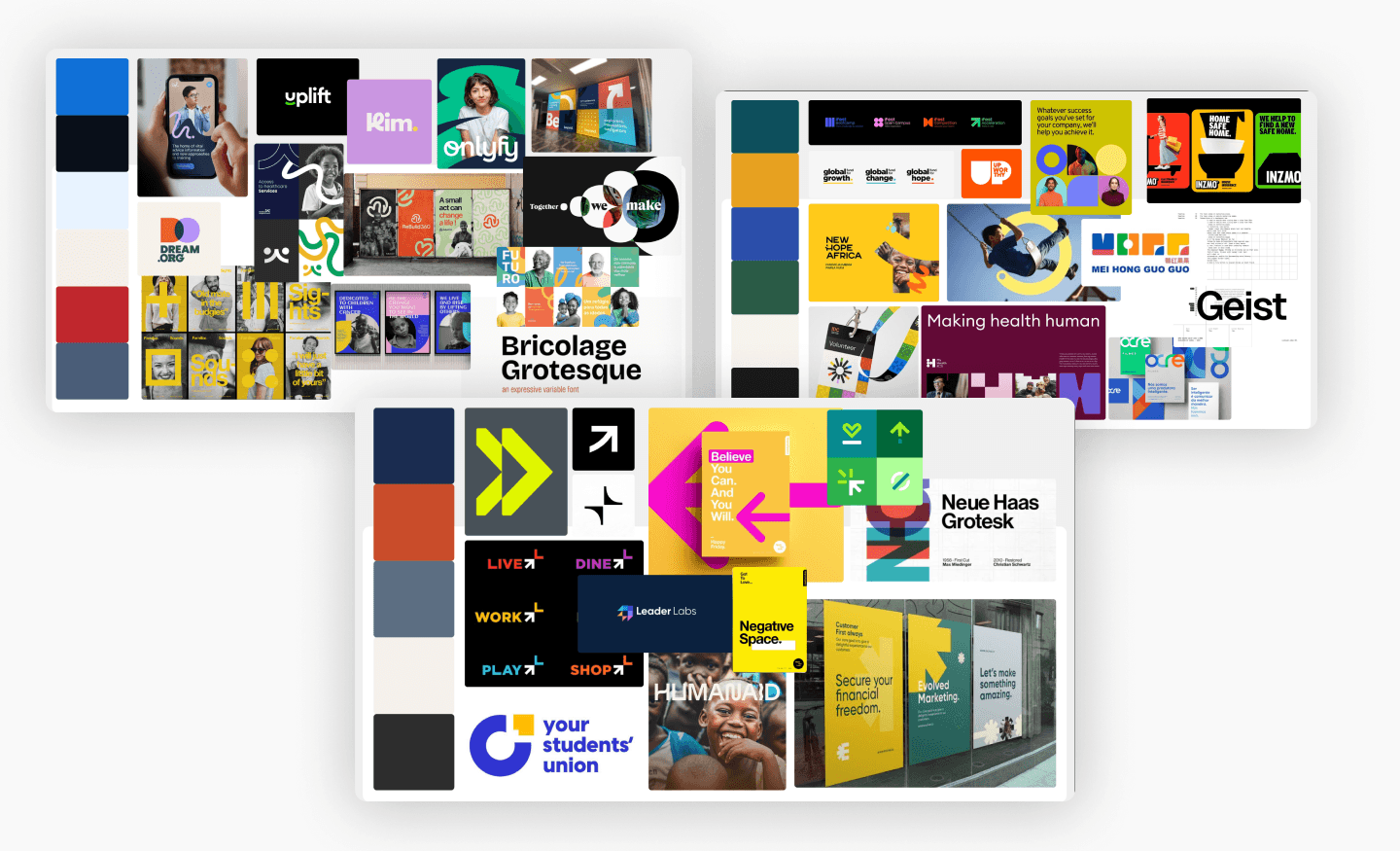
When a new website project comes in, the first step is a briefing, collected by our PM team.
We understand the client's expectations, references, and goals. From there, we run a kickoff with the design team to make sure everyone understands the project before touching anything.
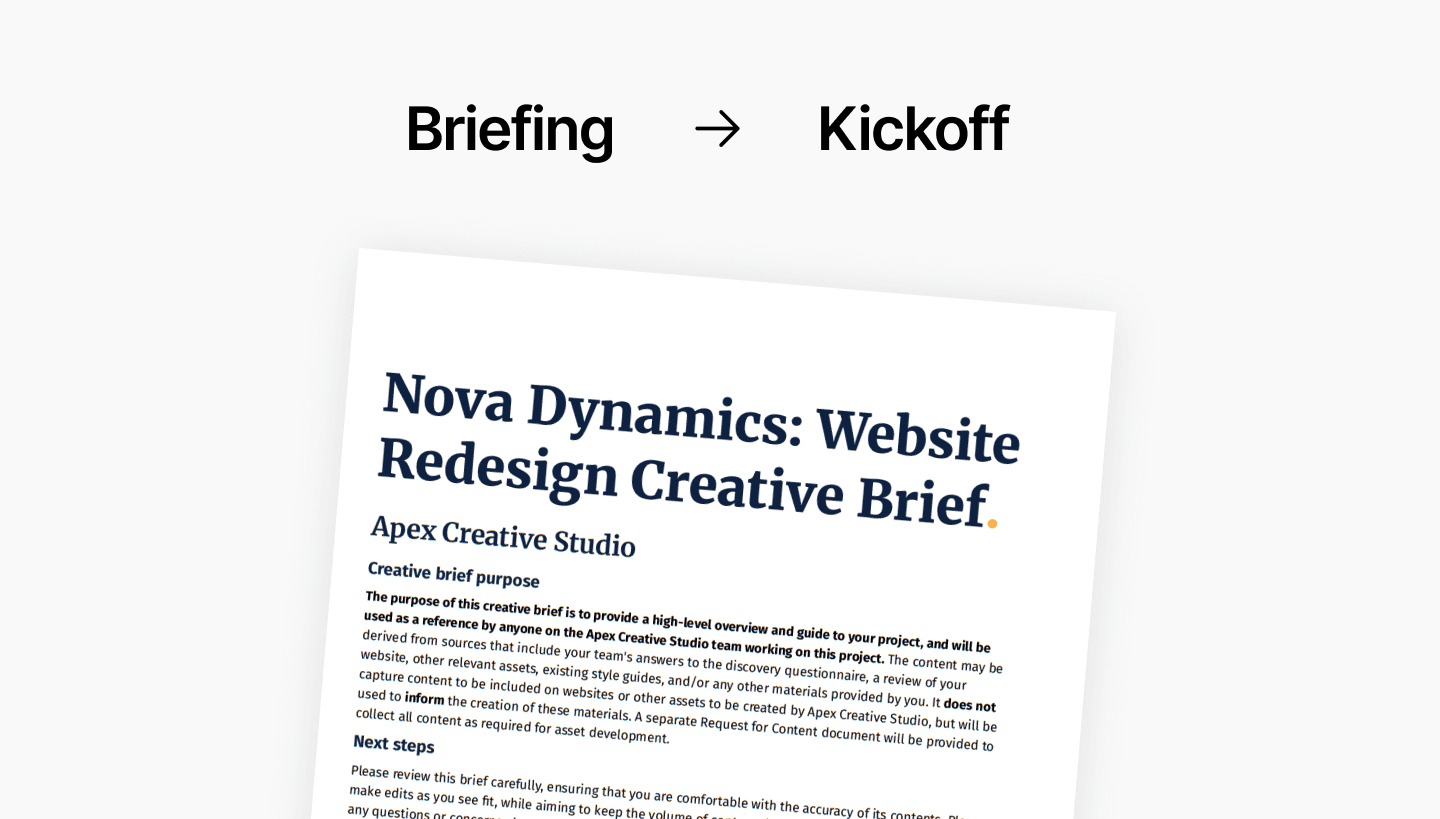
Before a single frame: three universes.
Before building anything, our UX designers run a full benchmark.
They collect as many external references as possible, sites, styles, directions, and organize them into three distinct visual paths. Colors, fonts, structural approaches, all mapped out and presented.
They show the client the direction, and from that decision shapes everything that follows.
The site map.
We map out the entire site structure — which pages exist, how they connect, what lives where.
On many projects this arrives already defined by the client. When it doesn't, we build it using Relume to organize the architecture before design begins.
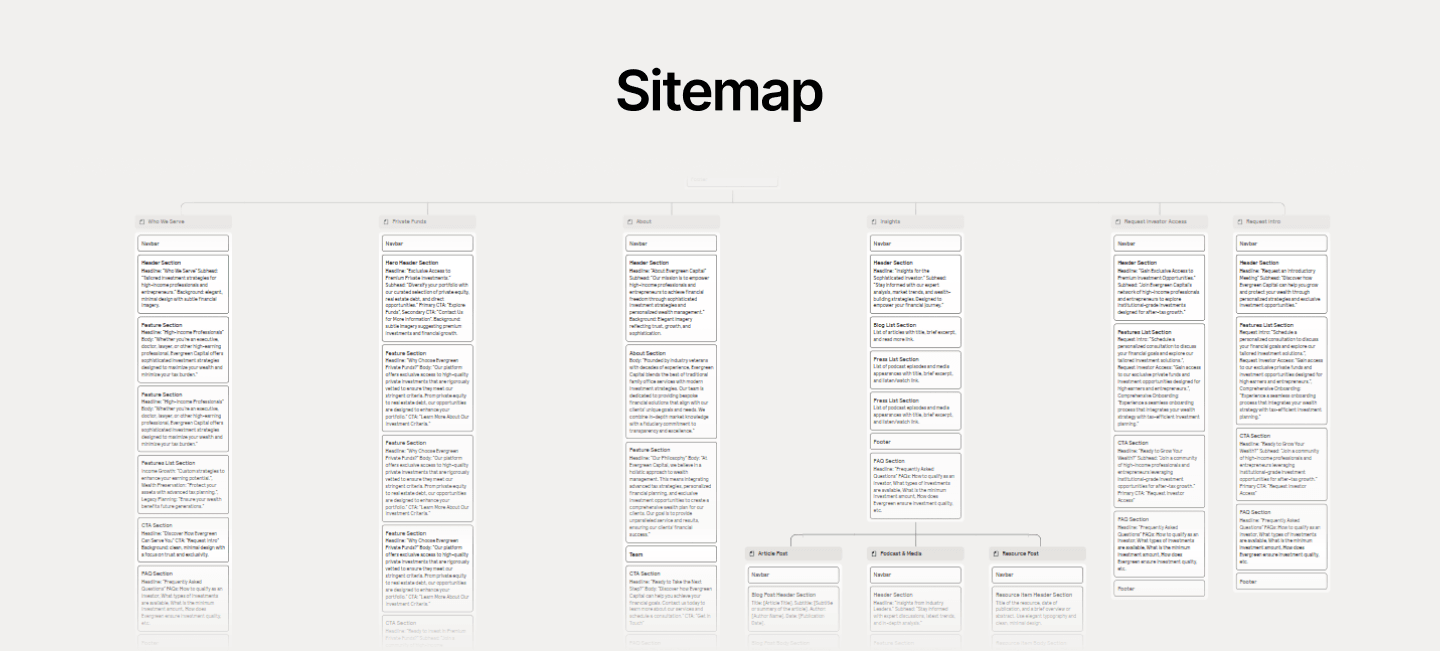
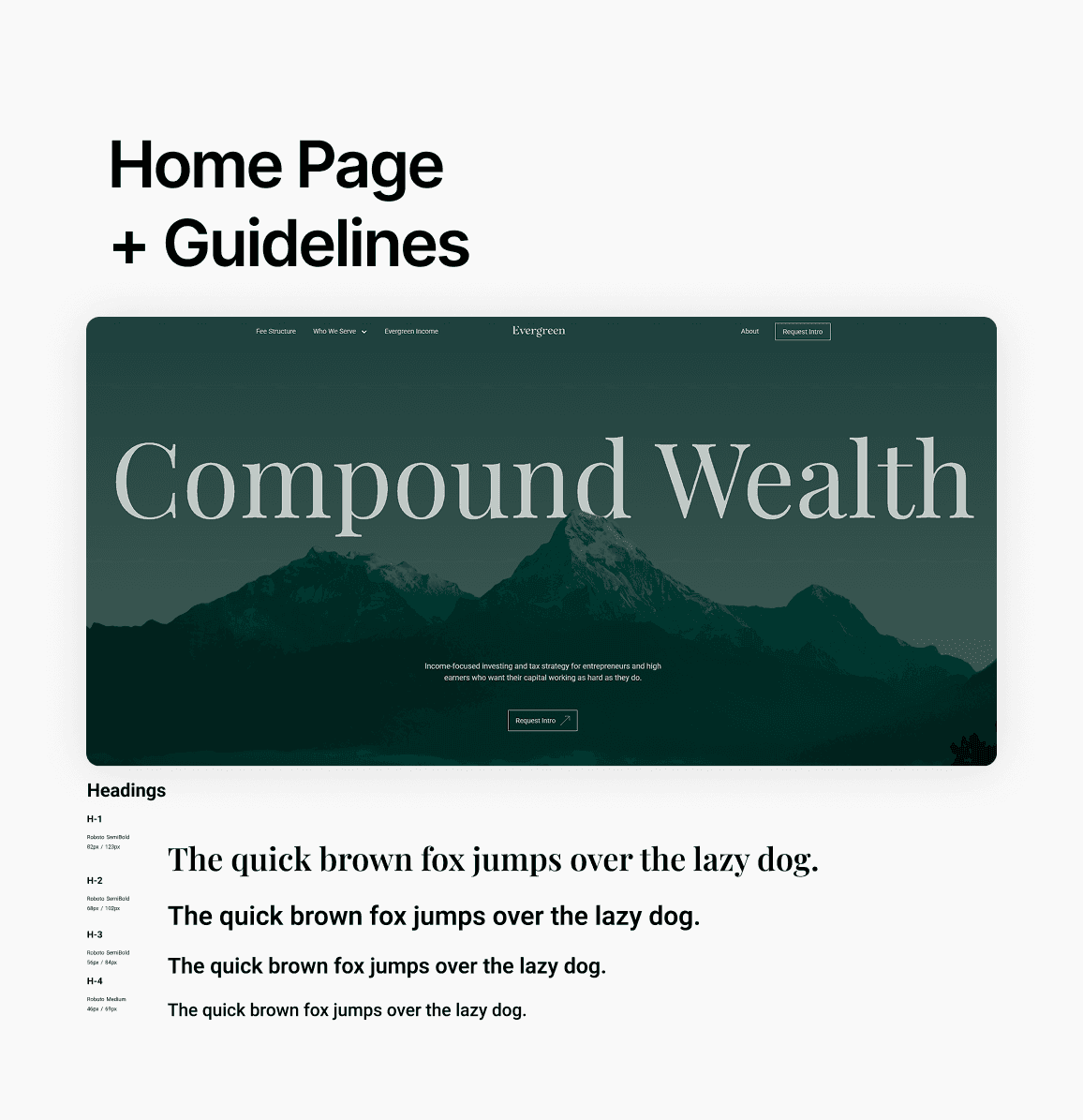
The homepage: where everything is defined.
The first page we design is always the homepage, where we establish every rule the rest of the site will follow.
One to three design concepts, built following the approved benchmark. Inside that first page, typographic decisions get made: display sizes, H1 through H4, headline, caption. Navbar and footer defined, first components created.
Full design in Figma first.
All pages get designed in Figma before anything goes to Framer. Auto layout well defined, spacing consistent, font sizes locked.
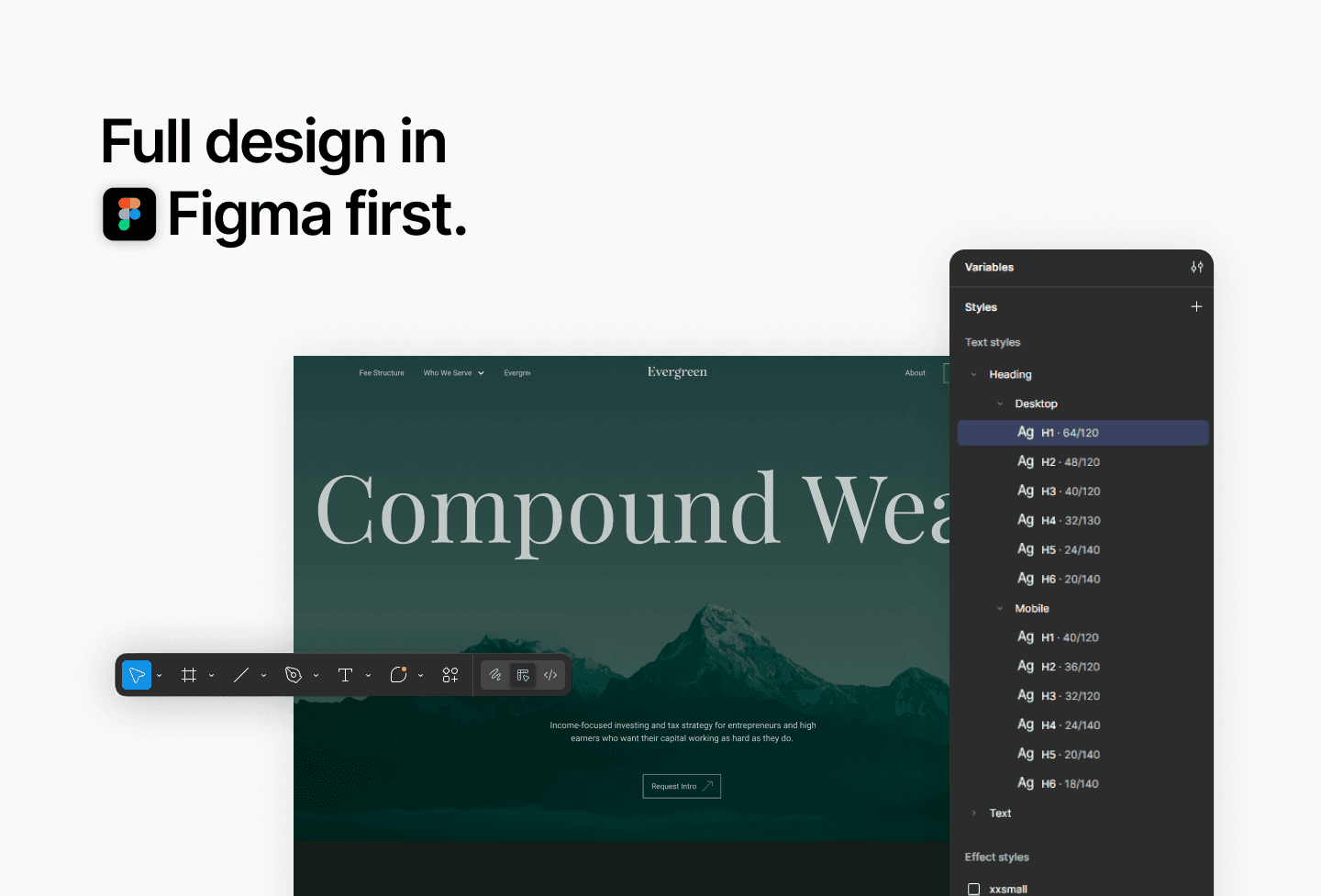
When the Figma file is well structured, copying to Framer brings those configurations with it. A solid Figma file makes the build faster and cleaner on the other side.
Want to see what this looks like in practice? Explore our work at apta.agency.
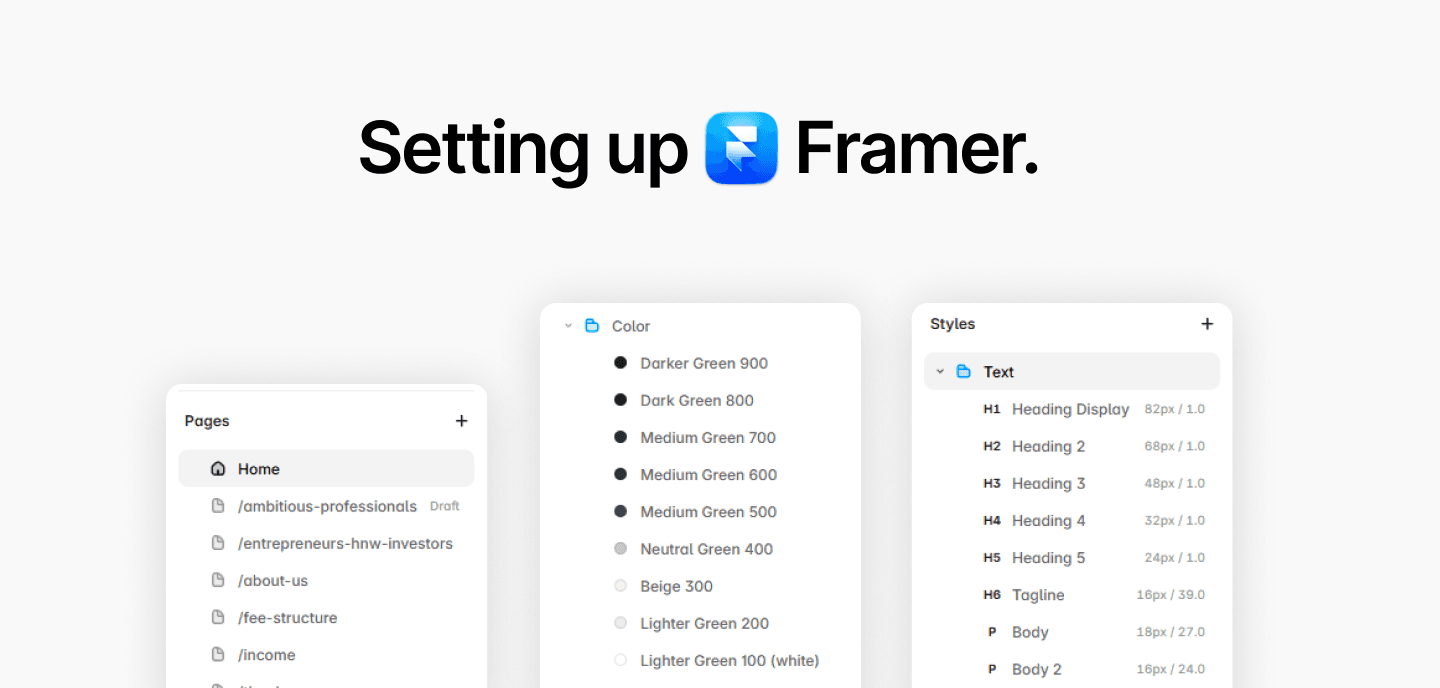
Setting up Framer.
Colors, fonts, icons. Then Navbar and Footer built as templates, applied once, live on all pages.
If those two are not templates from the start, a single change means updating manually across the whole site.
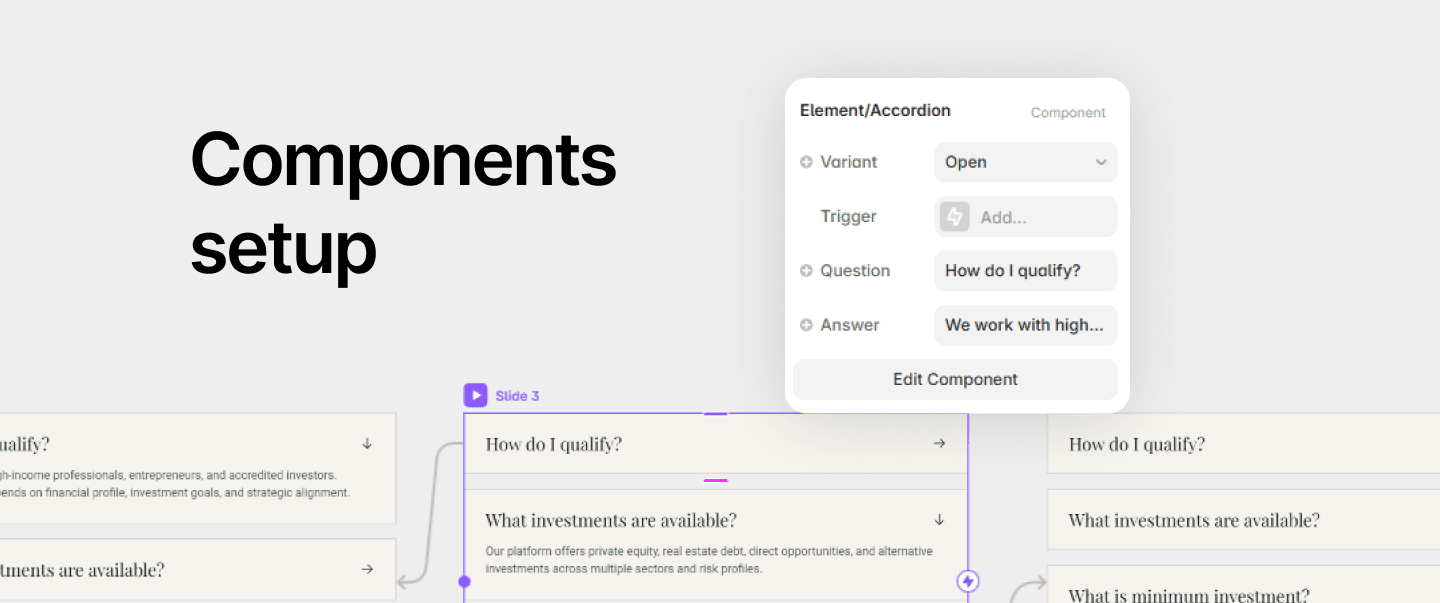
Components are what make the site scalable.
Cards, buttons, carousels, all built as components from the start.
A card can have an image, a tag, a title, a subtitle, a button or two, toggled on and off with visibility settings.
Built once, reused wherever needed. If a spacing adjustment is needed across the site, it happens in one place.
CMS for content that updates.
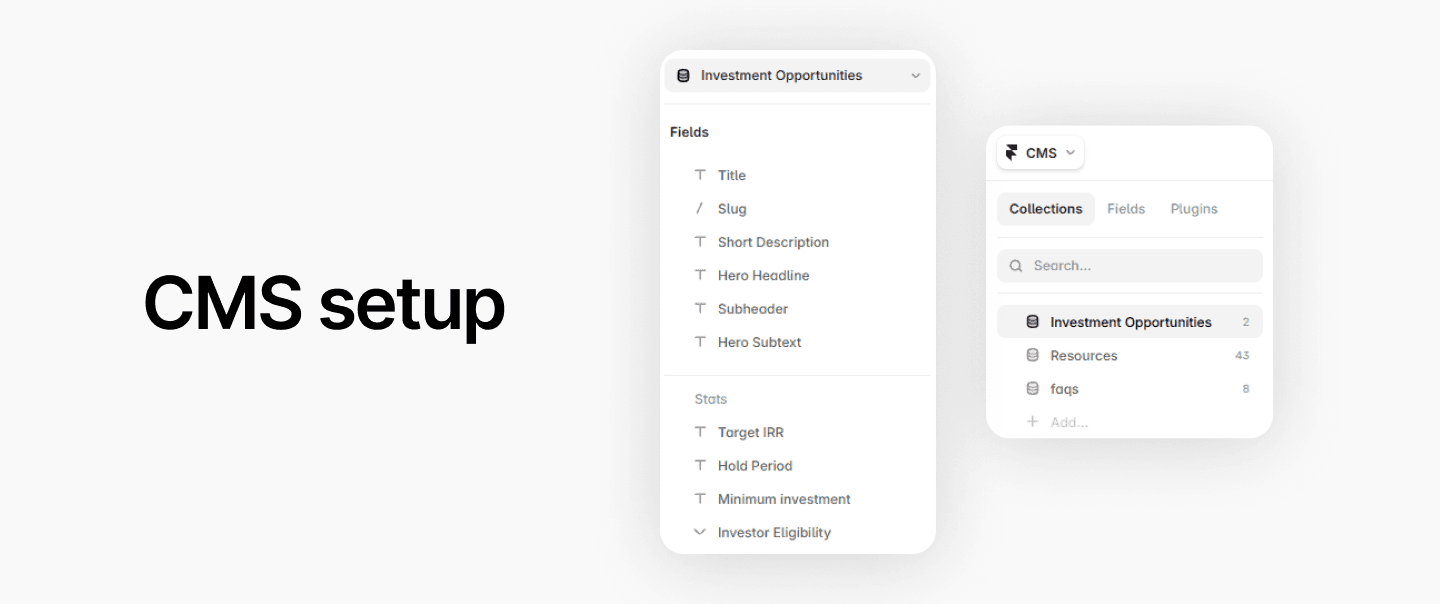
When a site has content that grows constantly, like a blog, we connect a CMS.
Framer's native tools handle dynamic filtering by checkbox, tag, tab, and search bar. It keeps getting better with updates.
Animations, interactions, and review.
After approval, animations and interactions go in. Then a full review, button by button, link by link. Nothing goes live without that check.
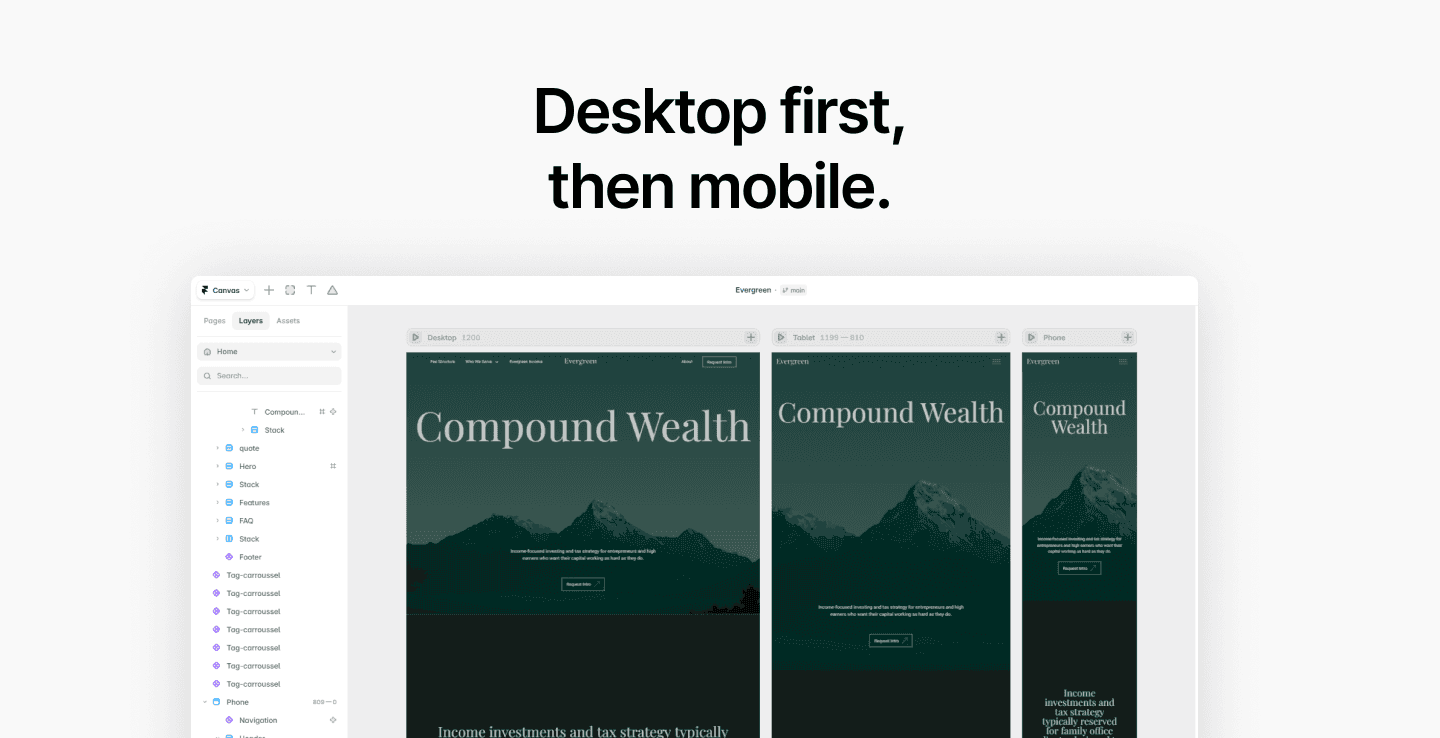
Desktop first, then mobile.
We build desktop, get approval, then move to tablet and mobile, adjusting components and breakpoints for each screen.
Components get built with this in mind from day one so the adaptation is smooth.
See the site here.
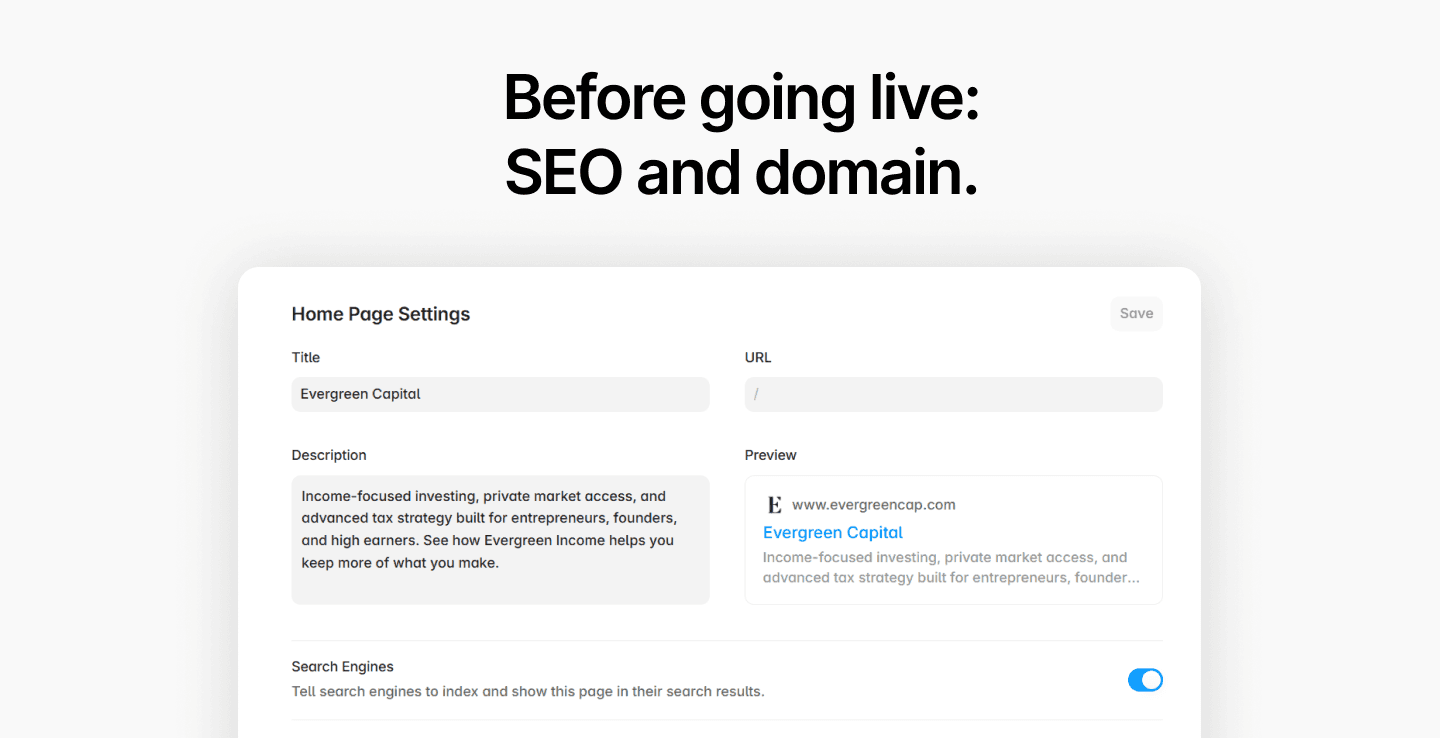
SEO and domain configuration.
Page titles, descriptions, OG images, favicon, Apple Touch previews.
Then the client's domain gets connected with the correct DNS settings, and the site goes live where it belongs.
That's the full process.
From briefing to live site, every decision intentional, every component reusable, every page built to perform.
Need help to build yours? We can help.